

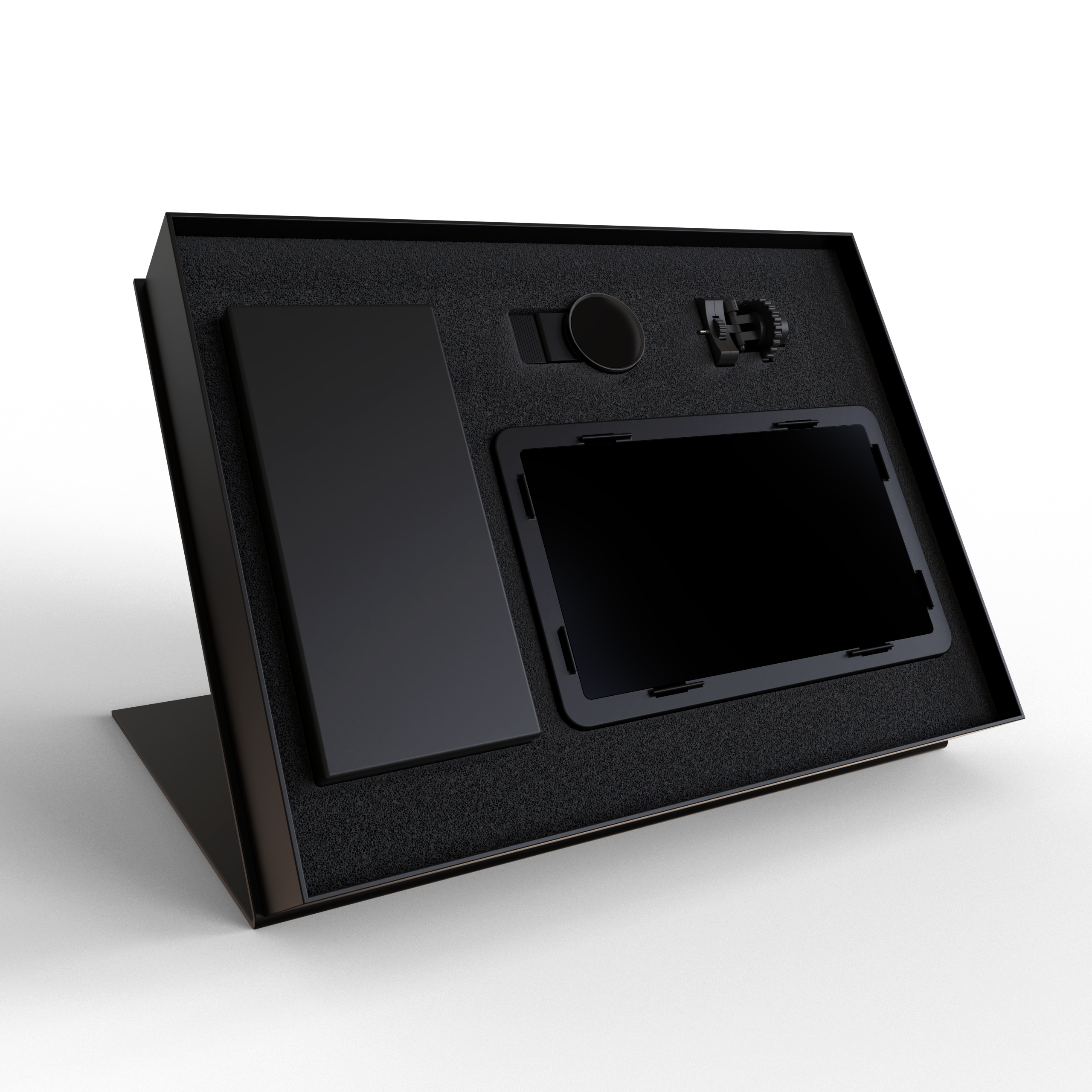
AV Stable Tattoo Photography SmartPhone Device
58,00 €
Include:
Special AV-light panel
Carbon light screwed holder
AV 37mm lens + smarthphone clip
Power cable
•How to use:
1- First, attach the light panel to the special holder.
2- Turn on your light panel and set it to constant light mode (light intensity and light temperature settings are optional – we recommend 100% light intensity and medium Kelvin light temperature)
3- Place the AV lens clip on your mobile main camera and make sure the lens and your mobile camera are clean before doing this.
4- To achieve the best output and quality, set your camera to the highest video recording mode on your mobile phone (4k-60).
5- The surrounding environment should be as dark as possible, with no other light shining on the tattoo except the light from your light panel.
6- Start recording and rotate the special lens 360 degrees to achieve your desired settings. Also, keep in mind that the lens itself has the ability to adjust the temperature of your image to either cool or warm (we recommend using the warm side of the lens).
8-Finally, after finishing photography and filming, be sure to edit your photo and video to achieve the final beauty of your tattoo image, because in the philosophy of photography, photos and videos without editing have no meaning and are considered raw.
•Warning:
1 – Avoid turning on the light panel too much
2 – Keep the optical panel away from water and moisture
3 – Be sure to use the AV light panel’s own adapter and cable for it.
4 – Do not open the AV light panel.
Risk of electric shock and risk of malfunction of the light panel system.
We announce the official price of AV company’s products on our official website so that all our customers and Our tattoo artists are aware of the price of the products they buy, but please note that depending on the conditions and location of your country, the selling price of the products at the representative office in your country may be slightly different.